AI Image Generator
Describe a picture or start from a photo. 15 image models, one prompt box.
Write your idea first. You sign in when you press Generate.
Short answer: Genvima’s AI image generator creates images from a text prompt and turns your photos into new images from a written instruction. You pick one of 15 models, including Nano Banana 2.1, GPT Image 2.6, Seedream 5.5, FLUX Kontext Pro and Z-Image Turbo, choose a shape and a size up to 4K, and the image renders in your browser, on most models in under a minute. You can add up to 16 reference images on the models that take them. An image costs from 2 credits, shown before you generate, and any result can become the first frame of a video. To start without paying, the free Basic engine gives every signed-in account one free video and three free images a day, with no credit card; free images carry a small watermark.
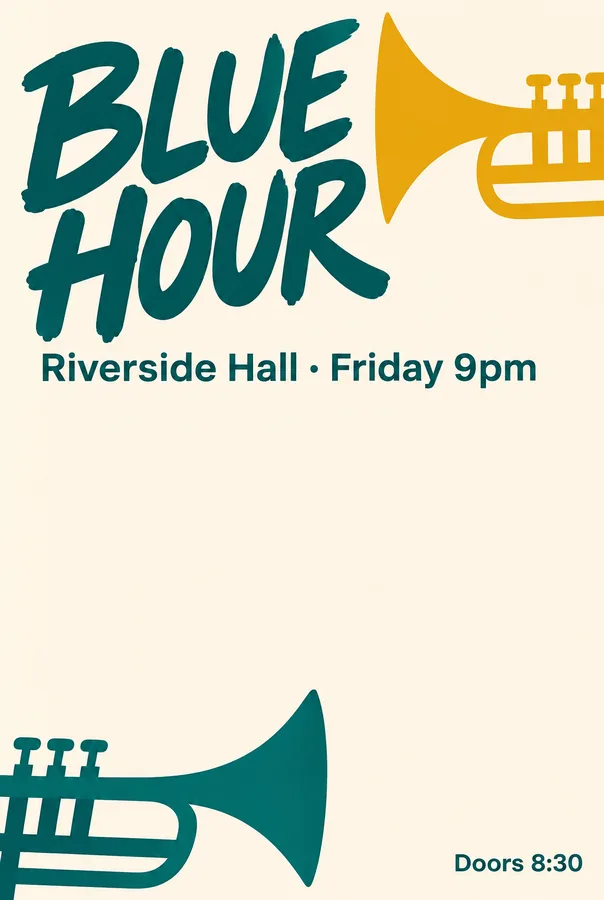 Poster
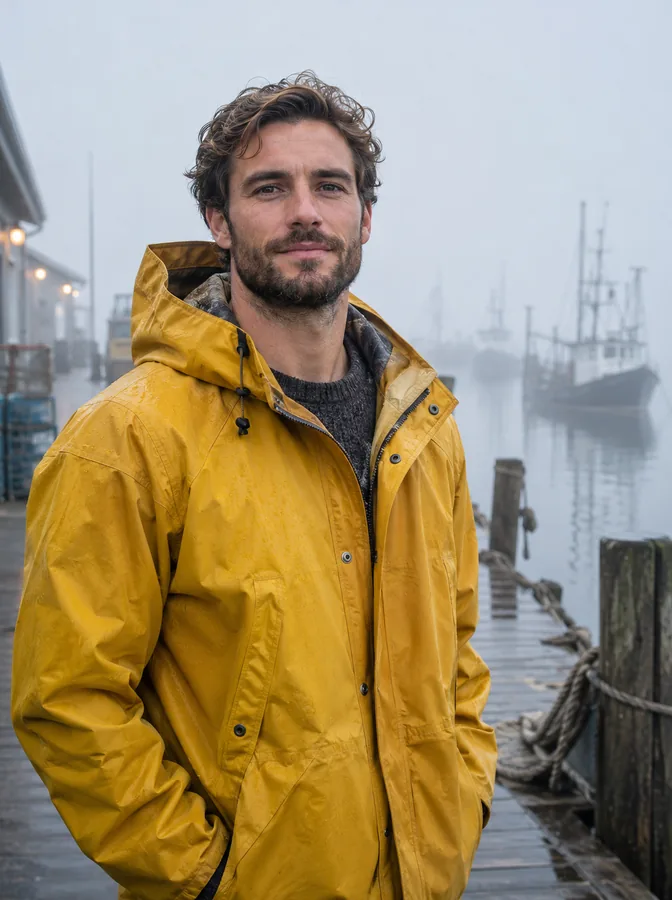 Portrait
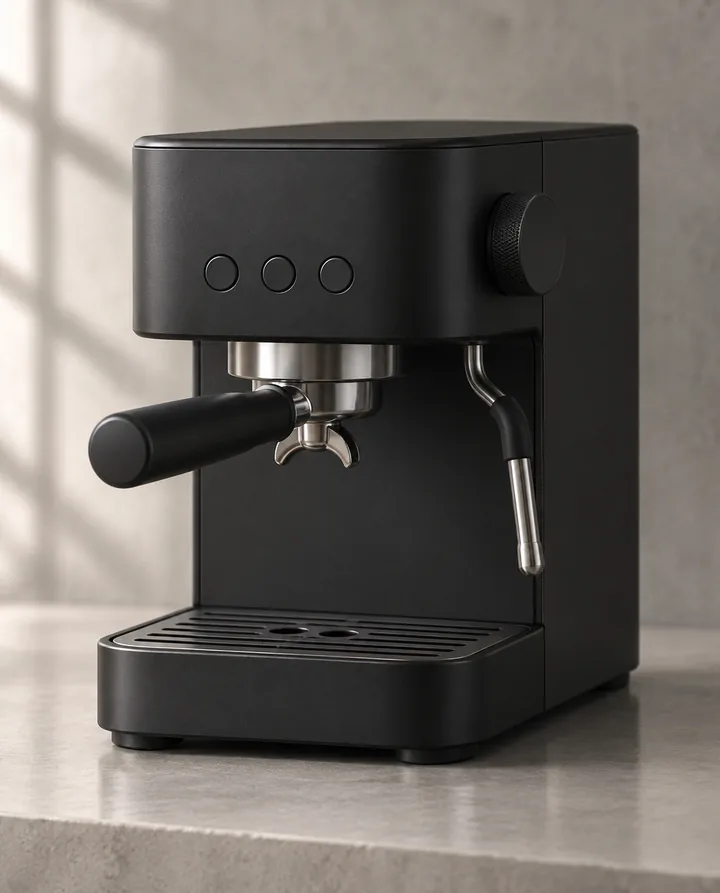 Product
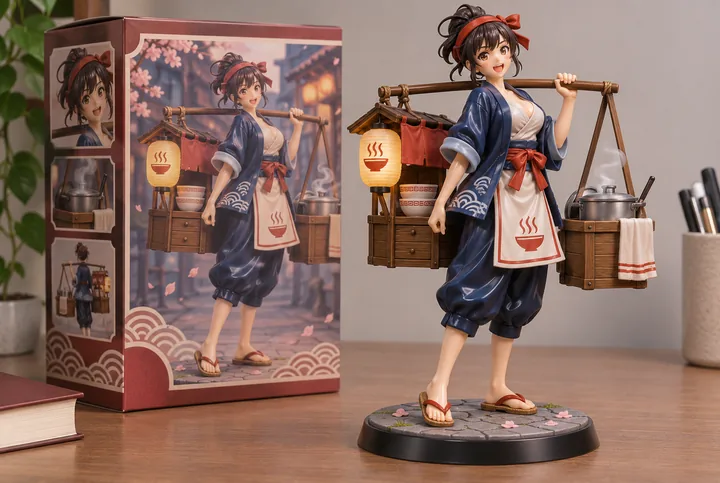 Figurine
How to use the AI image generator
Everything happens on this page. You only sign in with Google when you press Generate.
- 1
Choose Text to Image or Image to Image
Text to Image makes a new picture from words. Image to Image starts from your photo, or several, and makes a new image from them.
- 2
Describe the image
Write the subject, the setting, the light and the style, the way you would brief a photographer or an illustrator. For a photo, say what should change and what must stay.
- 3
Pick a model, a shape and a size
Each model in the menu shows what it is best at, its sizes and its price. Nano Banana 2.1 is the default and a good first choice. Sizes go up to 4K where the model offers it.
- 4
Generate and reuse
Press Generate. The image appears next to the panel and in Assets, where you can download it, send it back in for another round or use it as the first frame of a video.
Ways to make an image
Two modes in the generator, plus one-click tools that need no prompt at all.
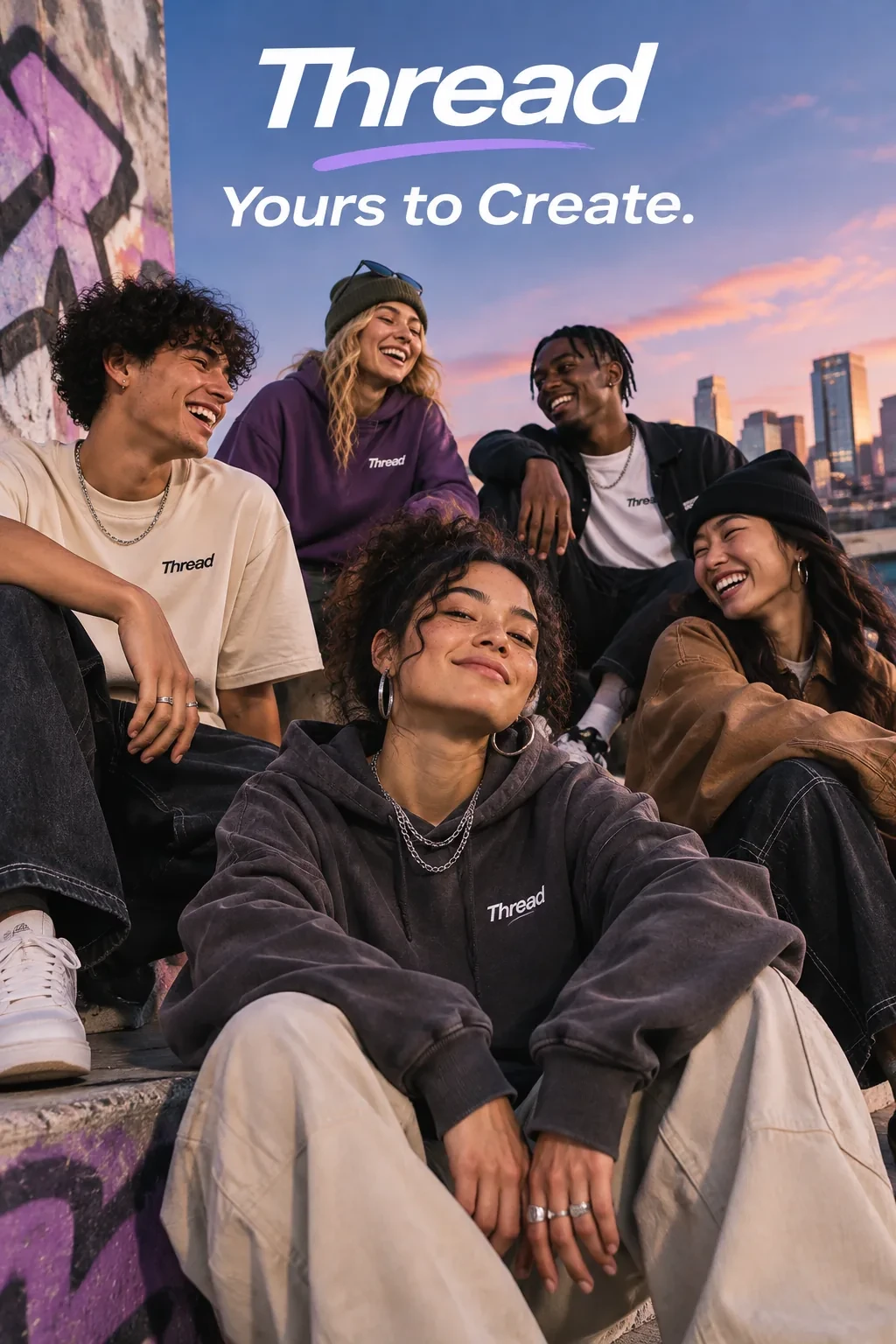
A streetwear campaign with a brand name and a short tagline. Try a related prompt
A concert poster for a jazz night called "Blue Hour", a saxophone silhouette against a deep blue city skyline, "Friday 9 PM" at the bottom, clean modern typography.
Text to Image
A prompt in, a new image out. Posters with readable text, product shots, portraits, illustrations and scenes that never existed. All 15 models work here.
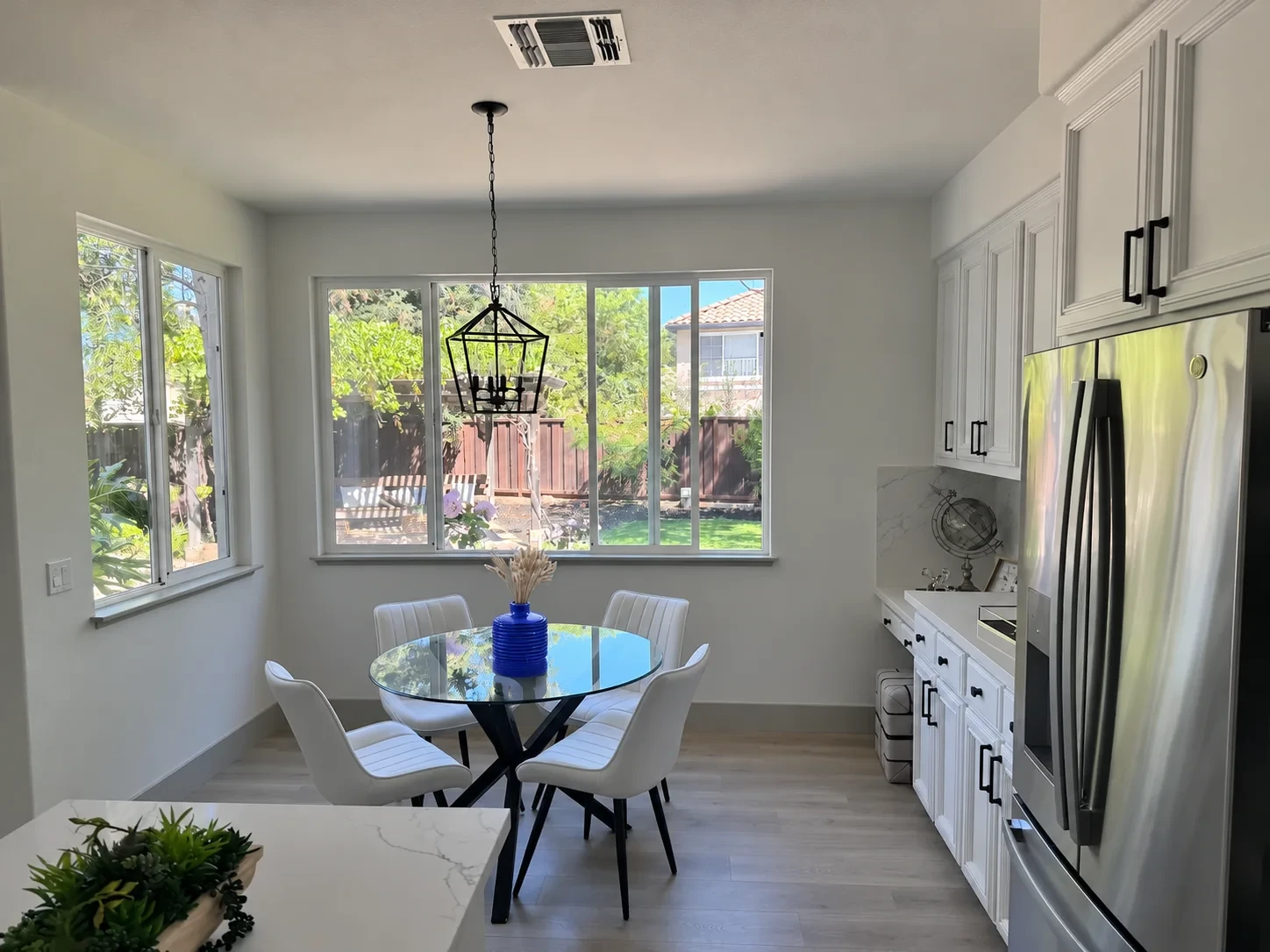
A targeted edit changes the vase to blue in a furnished kitchen. Try a related prompt
Put the person from the photo on a sunny Mediterranean terrace in a white linen shirt, keep the face and the hair the same, soft afternoon light.
Image to Image
Start from your photo and write what the new image should be: the same person on a beach, the product on a marble counter, the room in another style. 14 models take photos, up to 16 at a time.
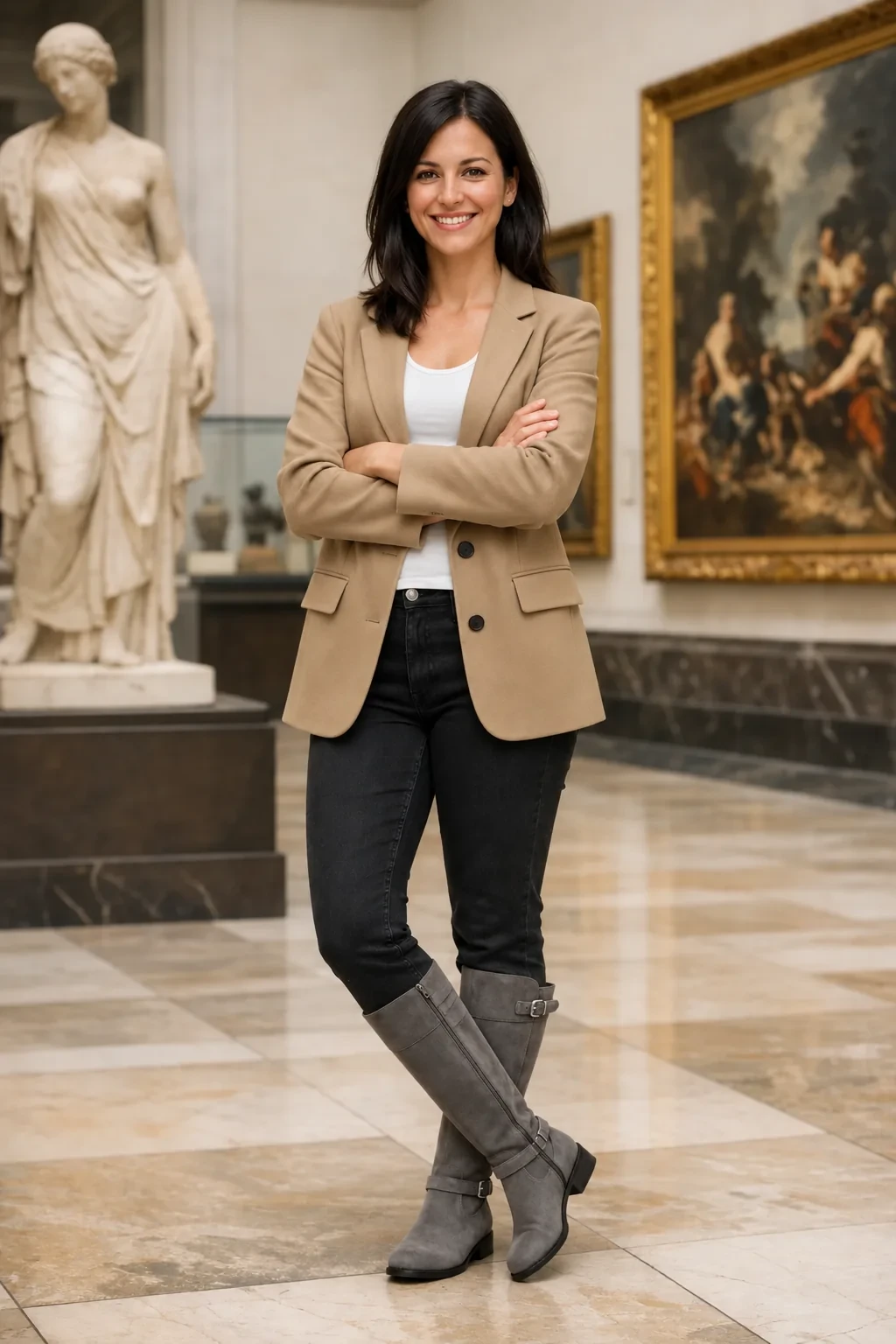
A woman wears clothing assembled from the supplied references. Try a related prompt
The woman from the first image wearing the coat from the second image, holding the coffee cup from the third image, in the street from the fourth image, editorial photo.
Several photos in one picture
Give a person, an outfit, a product and a place as separate images and ask for one scene with all of them. Name each image in the prompt so the model knows which is which.
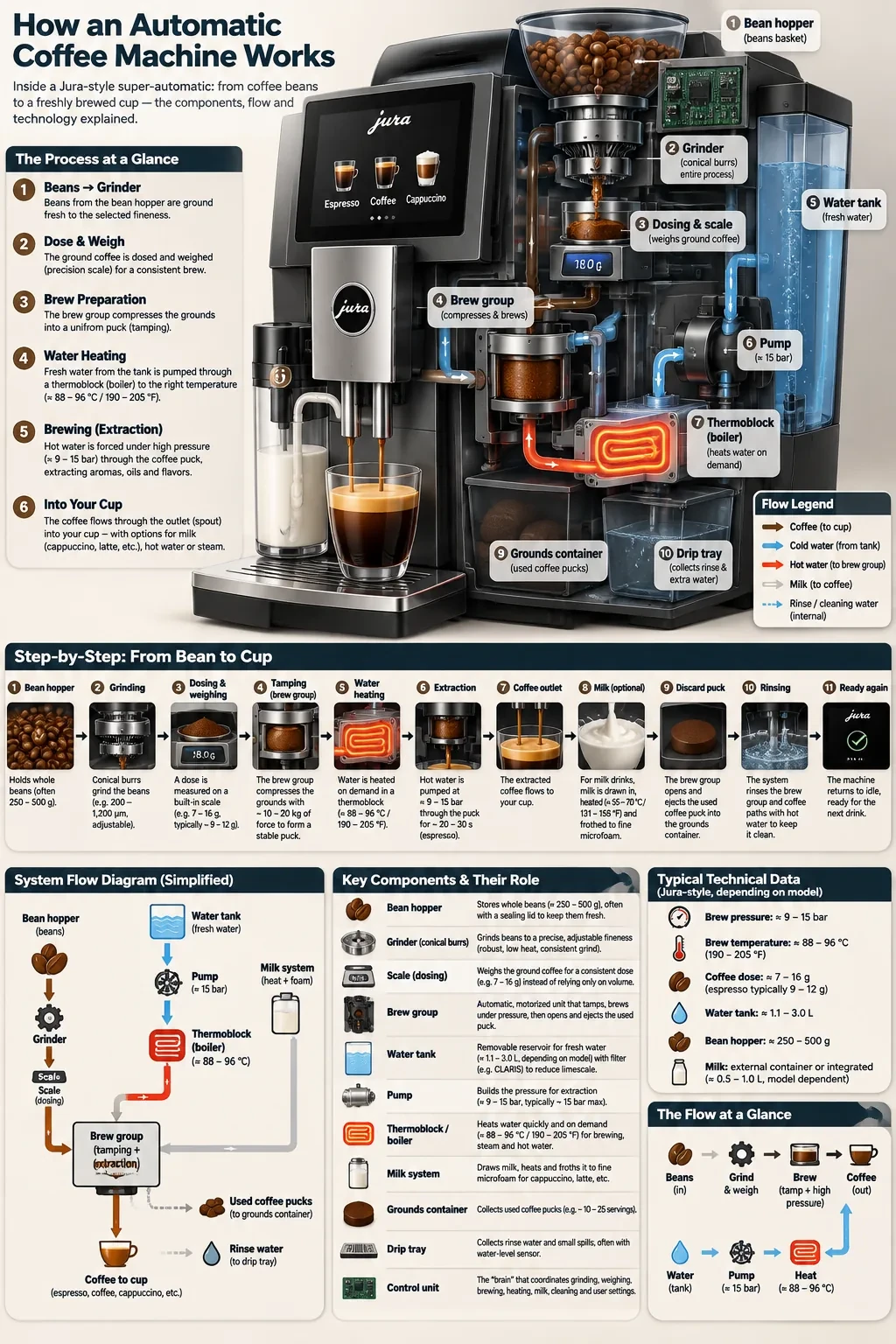
A coffee-machine diagram with labels, cutaways and ordered instructions. Try a related prompt
A café chalkboard menu titled "Morning Cloud" listing "Flat white 4.50", "Matcha latte 5.00" and "Croissant 3.20" in neat hand lettering.
Text inside the image
Headlines, labels, menus and signs that are spelled right, on the models built for it. Put every word in quotes, exactly as it should appear.
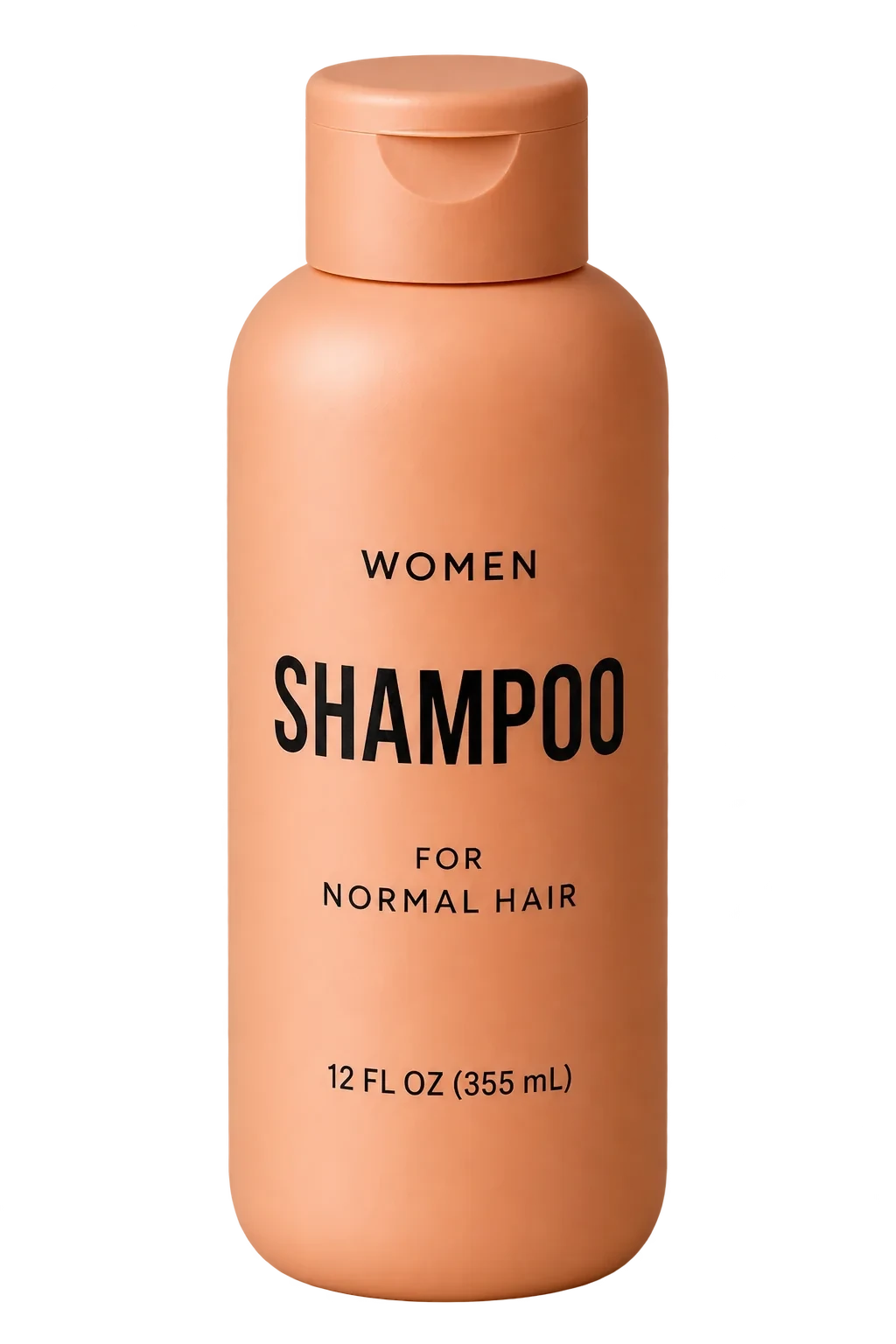
A shampoo bottle isolated on a transparent background. Try a related prompt
A phone photo of a ceramic mug turned into a clean product shot on a white background with a soft shadow.
One-click tools
Tools for product photos, headshots, outfit try-on, hairstyles, interiors and figurines turn one upload and one chosen style into a finished image, with no prompt to write. Each has its own page, listed on this page.
All 15 AI image models and their prices
| Model | Made by | Sizes | Reference images | Credits per image |
|---|---|---|---|---|
| Nano Banana 2.1 | 1K, 2K, 4K | Up to 14 | 4 to 9 | |
| Nano Banana Pro | 1K, 2K, 4K | Up to 8 | 6 to 8 | |
| Nano Banana 2 | 1K, 2K, 4K | Up to 14 | 3 to 5 | |
| Nano Banana 2 Lite | 1K | Up to 8 | 3 | |
| Nano Banana | 1K | Up to 14 | 3 | |
| GPT Image 2.6 Sunburst | OpenAI | 1K, 2K, 4K | Up to 16 | 2 to 8 |
| GPT Image 2.6 Flare | OpenAI | 1K, 2K, 4K | Up to 16 | 2 to 8 |
| ChatGPT Images 2.5 Sunburst | OpenAI | 1K, 2K, 4K | Up to 16 | 9 to 25 |
| ChatGPT Images 2.5 Flare | OpenAI | 1K, 2K, 4K | Up to 16 | 9 to 25 |
| GPT Image 2 | OpenAI | 1K, 2K, 4K | Up to 15 | 3 to 6 |
| Seedream 5.5 | ByteDance | 1K, 2K | Up to 10 | 3 to 5 |
| Seedream 5 Pro | ByteDance | 1.5K, 2K | Up to 10 | 6 to 12 |
| Seedream 4 | ByteDance | 1K, 2K, 4K | Up to 10 | 4 |
| FLUX Kontext Pro | Black Forest Labs | 1K | Up to 4 | 35 |
| Z-Image Turbo | Alibaba | 1K, 2K | Up to 0 | 2 |
 Nano Banana 2.1
 GPT Image 2.6 Sunburst
 Seedream 5.5
 FLUX Kontext Pro
 Z-Image Turbo
Image models and tools
- Seedream 5.5ByteDance’s newest image model: realistic light, legible small text, and edits that hold up over many rounds.Open
- GPT Image 2.6OpenAI’s newest image model, Sunburst and Flare: exact text, strict layouts and long briefs.Open
- AI Product Photo GeneratorOne phone photo of your product, six studio and lifestyle shots of it.Open
- AI Headshot GeneratorA casual selfie turned into a chest-up studio portrait, your own face kept.Open
- AI Outfit GeneratorSee yourself in a suit, a wedding guest dress or a photo of clothes you found.Open
- AI Hairstyle ChangerTry a bob, a fade, braids or platinum blonde on your own photo before the salon.Open
- AI Interior DesignRestyle or stage a room from one photo, walls and windows kept where they are.Open
- AI Figurine GeneratorTurn a photo of you or your pet into a collectible figure, a chibi toy or a boxed action figure.Open
What people make with an AI image generator
Six common jobs, each with a prompt you can paste into the box above and change.
Product and listing photos
Clean white-background images and lifestyle scenes from a phone snapshot, for a store, a marketplace or an ad. Or use the AI product photo generator.
Try this promptPlace the perfume bottle from the photo on a wet black stone in a misty forest, soft side light, small water drops on the glass, keep the label unchanged.
Realistic portraits and headshots
A studio-style headshot from a casual selfie, or the same person in a new setting. The AI headshot generator does it in one click.
Try this promptProfessional headshot of the person in the photo, navy blazer, soft grey studio background, gentle key light, keep the face exactly the same.
Posters, menus and flyers
Designs with real, readable text for an event, a café or a sale.
Try this promptA flyer for a neighborhood yard sale, the words "Saturday Yard Sale" in big hand-drawn letters, "8 AM to 2 PM" below, cheerful illustrations of lamps and books.
Interior design ideas
A room photo restyled with the walls and windows kept, or see the AI interior design tool.
Try this promptRedesign this bedroom in a warm Japandi style: low oak bed, linen bedding, a paper lamp. Keep the windows, walls and camera angle the same.
Social graphics and thumbnails
A face, a headline and a background in the exact shape each platform wants.
Try this promptA YouTube thumbnail: a surprised man pointing at a giant glowing pizza, bold yellow text "I ATE IT ALL", bright blue background, 16:9.
First frames for video
Get the look right as a still, then bring it to life with the AI video maker.
Try this promptWide shot of a lone red tram on a hillside street at sunrise, mist below, warm light on the tracks, cinematic still, 16:9.
AI image models by family
Every family in the studio, its models and what it is best at. Sizes and prices come from the studio’s settings.
| Family | Models | Best for | From |
|---|---|---|---|
| Nano Banana 2.1, Nano Banana Pro, Nano Banana 2, Nano Banana 2 Lite and Nano Banana | Editing real photos, keeping faces | 3 credits | |
| OpenAI | GPT Image 2.6 Sunburst, GPT Image 2.6 Flare, ChatGPT Images 2.5 Sunburst, ChatGPT Images 2.5 Flare and GPT Image 2 | Exact text and strict layouts | 2 credits |
| ByteDance | Seedream 5.5, Seedream 5 Pro and Seedream 4 | Realistic photos, repeated edits | 3 credits |
| Black Forest Labs | FLUX Kontext Pro | Careful edits that keep a composition | 35 credits |
| Alibaba | Z-Image Turbo | Fast drafts in volume | 2 credits |
What an AI image generator is
An AI image generator turns a written description into a picture. Behind it is an image model trained on a very large number of images and their captions, which learned how words map to shapes, materials, light and style. Most current models also read images: you can give them a photo and an instruction, and they make a new picture that keeps what you asked them to keep.
Genvima puts 15 of these models behind one prompt box, from Google, OpenAI, ByteDance, Black Forest Labs and Alibaba. They take the same prompts and draw from the same credit balance, so trying a second model costs one click.
Text to Image or Image to Image?
Text to Image is for pictures that do not exist yet: a poster, a scene, a character, a product that has not been photographed. The model decides everything you leave out, so the more you describe, the closer it gets.
Image to Image is for pictures that start from something real: your face, your product, your room. The model keeps what is in the photo and changes what you name. Say both in the prompt: "Replace the background with a beach at sunset. Keep the person, the pose and the clothes unchanged."
On 14 of the 15 models you can add more than one photo and combine them. Z-Image Turbo is text only.
Google Nano Banana models
Nano Banana is Google’s image family and the default in the studio. It is the safest choice for editing a real photo: it changes the part you name and keeps faces, products and the rest of the pixels intact. Nano Banana 2.1 is the newest; Nano Banana Pro, Nano Banana 2, Nano Banana 2 Lite and Nano Banana stay in the menu for their own sizes and prices.
- Nano Banana 2.1: 1K, 2K and 4K, 14 aspect ratios, up to 14 reference images, 4 to 9 credits an image.
- Nano Banana Pro: 1K, 2K and 4K, 10 aspect ratios, up to 8 reference images, 6 to 8 credits an image.
- Nano Banana 2: 1K, 2K and 4K, 14 aspect ratios, up to 14 reference images, 3 to 5 credits an image.
- Nano Banana 2 Lite: 1K, 10 aspect ratios, up to 8 reference images, 3 credits an image.
- Nano Banana: 1K, 10 aspect ratios, up to 14 reference images, 3 credits an image.
OpenAI GPT Image models
GPT Image 2.6 is the model for designs built around text and structure: posters, menus, infographics, packaging, comic pages. It follows long briefs line by line and spells the words right more often than most models. Sunburst is the detailed version and Flare the fast one; the 2.5 generation and GPT Image 2 stay for matching earlier work.
- GPT Image 2.6 Sunburst: 1K, 2K and 4K, 10 aspect ratios, up to 16 reference images, 2 to 8 credits an image.
- GPT Image 2.6 Flare: 1K, 2K and 4K, 10 aspect ratios, up to 16 reference images, 2 to 8 credits an image.
- ChatGPT Images 2.5 Sunburst: 1K, 2K and 4K, 15 aspect ratios, up to 16 reference images, 9 to 25 credits an image.
- ChatGPT Images 2.5 Flare: 1K, 2K and 4K, 15 aspect ratios, up to 16 reference images, 9 to 25 credits an image.
- GPT Image 2: 1K, 2K and 4K, 15 aspect ratios, up to 15 reference images, 3 to 6 credits an image.
ByteDance Seedream models
Seedream 5.5 is ByteDance’s newest image model, built for realistic light and skin, small legible text and edits that stay stable over many rounds. Seedream 5 Pro is the high-detail photographic model, and Seedream 4 gives large files at one flat price.
- Seedream 5.5: 1K and 2K, 10 aspect ratios, up to 10 reference images, 3 to 5 credits an image.
- Seedream 5 Pro: 1.5K and 2K, 10 aspect ratios, up to 10 reference images, 6 to 12 credits an image.
- Seedream 4: 1K, 2K and 4K, 11 aspect ratios, up to 10 reference images, 4 credits an image.
FLUX Kontext Pro and Z-Image Turbo
FLUX Kontext Pro from Black Forest Labs is a careful editor: it keeps the composition of your picture and changes the details you ask for. Z-Image Turbo from Alibaba is the opposite end: text to image only, very fast and the cheapest model here, made for drafts and volume.
- FLUX Kontext Pro: 1K, 9 aspect ratios, up to 4 reference images, 35 credits an image.
- Z-Image Turbo: 1K and 2K, 7 aspect ratios, text prompts only, 2 credits an image.
How to choose an AI image model
- Editing a real photo: Nano Banana 2.1, the default model.
- A lot of exact text or a strict layout: GPT Image 2.6.
- Realistic photos and long edit sessions: Seedream 5.5.
- The largest files: a model with 4K in the table above.
- Drafts and volume: GPT Image 2.6 Sunburst, the cheapest model here at 2 credits an image.
Because every model draws from the same credit balance, the practical way to choose is to run one prompt on two or three of them and keep the result you like.
The best AI image generator for realistic photos
For a photo that should look taken, not made, three things matter more than the model: describe a real camera ("85mm portrait", "phone photo", "35mm film"), describe real light ("overcast morning", "window light from the left") and leave out words like "stunning" or "hyperrealistic", which push models toward the glossy AI look.
Among the models, Seedream 5.5 and Nano Banana 2.1 give the most natural skin and light; for a real person’s face, start from their photo in Image to Image rather than describing them.
How to generate an AI image from a photo or a reference image
- Choose Image to Image and add the photo. Add more images if the result should combine people, products or places.
- In the prompt, name each image: "the man from the first image, the jacket from the second image".
- Say what changes and what stays: "new background, same face and pose".
- Choose the shape of the result in the settings; the model does not have to keep the photo’s shape.
- If the face drifts, generate again or switch to Nano Banana 2.1, which keeps faces most closely.
How to write an image prompt
Describe what a camera would see. "A fisherman in a yellow raincoat on a harbor wall at dawn, fog behind him, 85mm portrait" works better than "a moody, atmospheric, stunning portrait".
- Subject first, with one or two visible details.
- Setting and time of day.
- Light: window light, golden hour, studio softbox, neon.
- Medium: photo with a lens length, watercolor, 3D render, flat vector.
- Text in quotes if the image should contain words.
- Shape in the settings, not in the prompt.
Text in AI images
Words used to be the giveaway of an AI image: signs full of invented letters, menus nobody could read. The newest models fix most of that, but how you ask still matters.
- Quote every word exactly as it should appear: the headline "SUMMER SALE".
- Say where it goes: at the top, on the bottle label, on the shop sign.
- Keep it short. A headline and two lines come out right far more often than a paragraph.
- Pick a text model: GPT Image 2.6 for layouts with a lot of text, Seedream 5.5 for small, dense text in a photo.
Always zoom in and read every word before an image goes to print.
Keeping a character or a product consistent
Each generation invents its own details, so the same prompt draws a slightly different face or bottle every time. To keep one subject across a set of images:
- Start from a photo of the person or the product in Image to Image, not from a description.
- Reuse your best result as the reference for the next image.
- Change one thing per round: the background, then the pose, then the light.
- Describe the subject with the same words in every prompt.
For people, Nano Banana 2.1 keeps faces most closely; for long series of edits on one picture, Seedream 5.5 is built to stay stable round after round.
Sizes, shapes and file formats
Sizes run from 1K, about one megapixel, to 4K on the models that offer it. 1K is enough for social posts and drafts; 2K for websites and most print up to a postcard; 4K for posters and large prints. Draft at 1K, then render the one you keep at a larger size.
Every model has its own list of shapes, up to 15 of them, from square to wide banners and tall phone stories. Choose the shape in the settings rather than in the prompt. Results download as image files you can open in any editor.
One-click AI image tools
Some jobs come up so often that they have their own page, with the prompt already written and a few styles to choose from. You upload one photo, pick a style and press Generate.
- AI product photo generator: store-ready product shots from a phone picture.
- AI headshot generator: professional profile photos from a selfie.
- AI outfit generator: try on a new outfit in your own photo.
- AI hairstyle changer: see a new cut or color before the salon.
- AI interior design: restyle a room and keep its walls and windows.
- AI figurine generator: turn a photo into a collectible figure with its box.
How credits work for images
An image’s price depends on the model and the size, and the Generate button shows it before you start. The cheapest image is 2 credits on GPT Image 2.6 Sunburst; the table above lists every model’s range. Credits are shared with the video maker, so one balance covers stills and clips.
An image that fails or is refused costs nothing: the credits return to your balance automatically.
AI images for interior design
A room photo is one of the best starting points for Image to Image, because the walls, the windows and the camera angle give the model a frame to keep. Describe the new style in plain words ("warm Japandi, low oak furniture, linen curtains") and add "keep the windows, walls and camera angle the same".
Change one layer at a time: furniture first, then colors, then lighting and decoration. For the quickest result, the AI interior design tool has the styles ready and needs only your photo.
Privacy and commercial use
Your uploads and your images live in a private library that only your account can open; nothing is shown in a public gallery. Paid plans include commercial use of what you make, for ads, products, client work and social posts. Do not upload other people’s photos, logos or characters without permission.
From image to video
Genvima is a video studio as much as an image one. Any image you make can be sent to the AI video maker as a first frame, an end frame or a reference, which gives you control over the look before a more expensive video model starts rendering.
What an AI image generator cannot do yet
- Long paragraphs of small text still come out with errors; check before you print.
- Hands, small faces in wide shots and exact counts of objects can be wrong. Generate again or crop closer.
- Every run is different, even with the same prompt. Keep the images you like; you cannot recreate one exactly.
- Some requests are refused, such as public figures, copyrighted characters and unsafe content. A refused or failed image is not charged.
Genvima is an independent studio and is not affiliated with the companies that make these models; we reach them through commercial API providers.
FAQ
What is an AI image generator?
An AI image generator is a tool that creates pictures from a written description using an AI model. Most current models can also start from a photo and make a new image from an instruction, such as a new background or new clothes.
Which AI image models does Genvima have?
Nano Banana 2.1, Nano Banana Pro, Nano Banana 2, Nano Banana 2 Lite, Nano Banana, GPT Image 2.6 Sunburst, GPT Image 2.6 Flare, ChatGPT Images 2.5 Sunburst, ChatGPT Images 2.5 Flare, GPT Image 2, Seedream 5.5, Seedream 5 Pro, Seedream 4, FLUX Kontext Pro and Z-Image Turbo.
Can I generate an image from my own photo?
Yes. Choose Image to Image, add your photo and write what the new image should be. Depending on the model you can attach up to 16 reference images. PNG, JPEG and WebP files work.
Can I use a reference image for style or a character?
Yes. Add the reference in Image to Image and say in the prompt what to take from it: the character, the outfit, the style or the place.
What is the best AI image generator for realistic photos?
Seedream 5.5 and Nano Banana 2.1 give the most natural results here. Describe a real camera and real light, and start from a photo when a real person is involved.
Which model is best for text in images?
GPT Image 2.6 for posters, menus and layouts with a lot of text; Seedream 5.5 also handles small, dense text well.
Can I use it for interior design?
Yes. Upload a room photo in Image to Image and describe the new style, or use the AI interior design tool, which needs no prompt.
What size are the images?
From 1K (about 1 megapixel) up to 4K on the models that offer it, in square, portrait, landscape and banner shapes.
Is the AI image generator free?
Yes, with a daily limit. Genvima has a free Basic engine: sign in with Google and you get one free video and three free images a day, with no credit card. Free images carry a small genvima.com watermark, and a free clip plays on the site and downloads after your first purchase. The 15 full models are paid with credits: You sign in with Google, buy a plan or a credit pack, and every job shows its price in credits on the Generate button before you spend anything. The cheapest paid image is 2 credits on GPT Image 2.6 Sunburst.
Can I use the images commercially?
Paid plans include commercial use of what you make. Check that your prompts and uploads do not use other people’s likeness or trademarks without permission.
Are my uploads and images private?
Yes. They are stored in a private library that only your account can open, and they are not shown in a public gallery.
What happens if an image fails?
If a model fails or refuses the request, the credits for that image go back to your balance automatically.
Keep exploring
- AI Video MakerEvery way to make a video and all 13 video models.Open
- Seedream 5.5ByteDance’s newest image model: realistic light, legible small text, and edits that hold up over many rounds.Open
- GPT Image 2.6OpenAI’s newest image model, Sunburst and Flare: exact text, strict layouts and long briefs.Open
- PricingPlans and credit packs. One balance pays for every video and image model.Open
Try AI Image Generator now
Write the idea, pick the model, and see the price before you generate.
Back to the prompt box