GPT Image 2.6 AI Image Generator
OpenAI’s newest image model, for pictures where the words, the layout and every line of the brief have to come out right.
Write your idea first. You sign in when you press Generate.
Short answer: GPT Image 2.6 is OpenAI’s image generation and editing model, released on November 4, 2026 in two versions: Sunburst, for detail and precise edits, and Flare, for speed. It is strongest at following long instructions and at putting correct text into an image. On Genvima you use it in the browser with no API key and no ChatGPT subscription: text to image or image to image, 1K, 2K and 4K output, 10 aspect ratios and up to 16 reference images, for 2 credits at 1K, 6 credits at 2K, 8 credits at 4K. Results arrive without a watermark, usually in under a minute. It is paid with credits; to try an idea first, the free Basic engine in the same menu gives you one free video and three free images a day.
How to use GPT Image 2.6 online
Everything happens on this page. You only sign in with Google when you press Generate.
- 1
Pick how to start
Text to Image for a new design from a brief. Image to Image to restyle a photo or build a design around your logo, product or reference.
- 2
Write the full brief
Long prompts are welcome. Describe the layout from top to bottom and put every piece of text in quotation marks, exactly as it should appear.
- 3
Choose Sunburst or Flare, shape and size
Sunburst for detail, Flare for speed; 10 aspect ratios; 2 credits at 1K, 6 credits at 2K, 8 credits at 4K.
- 4
Generate and check the text
The image appears next to the panel and in Assets. Zoom in on every word before you use it; generate again if one is off.
GPT Image 2.6 key features
Under each example is a related prompt to try for your own images.
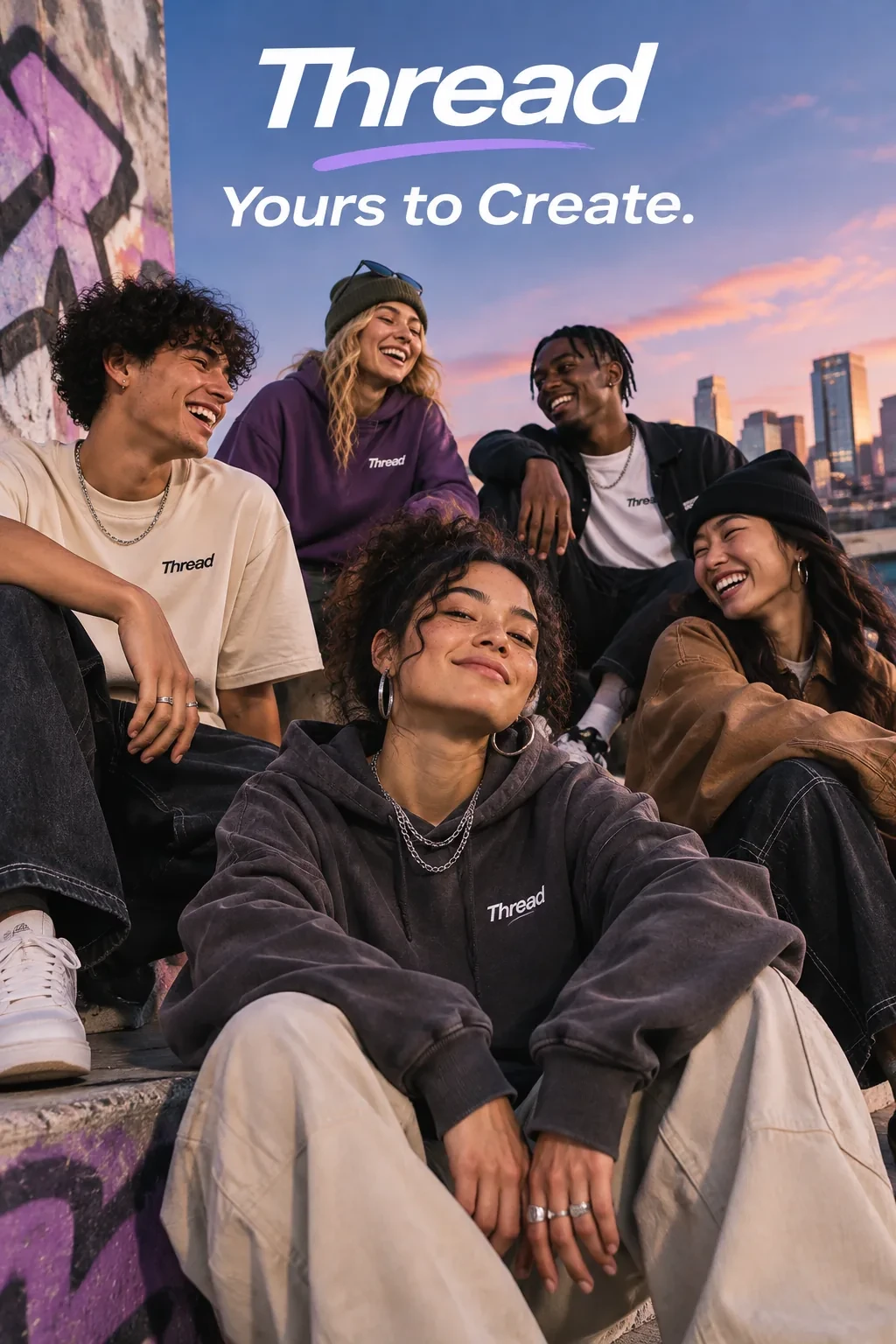
A streetwear campaign with a brand name and a short tagline. Try a related prompt
A concert poster for a jazz night called "Blue Hour", a saxophone silhouette against a deep blue city skyline, "Friday 9 PM" and "Riverside Hall" at the bottom, clean modern typography.
Text that is spelled right
Headlines, dates, prices, labels on a diagram, lines in a speech bubble. GPT Image 2.6 handles more words per image than most models and usually keeps them correct, which is what posters, menus and infographics need.
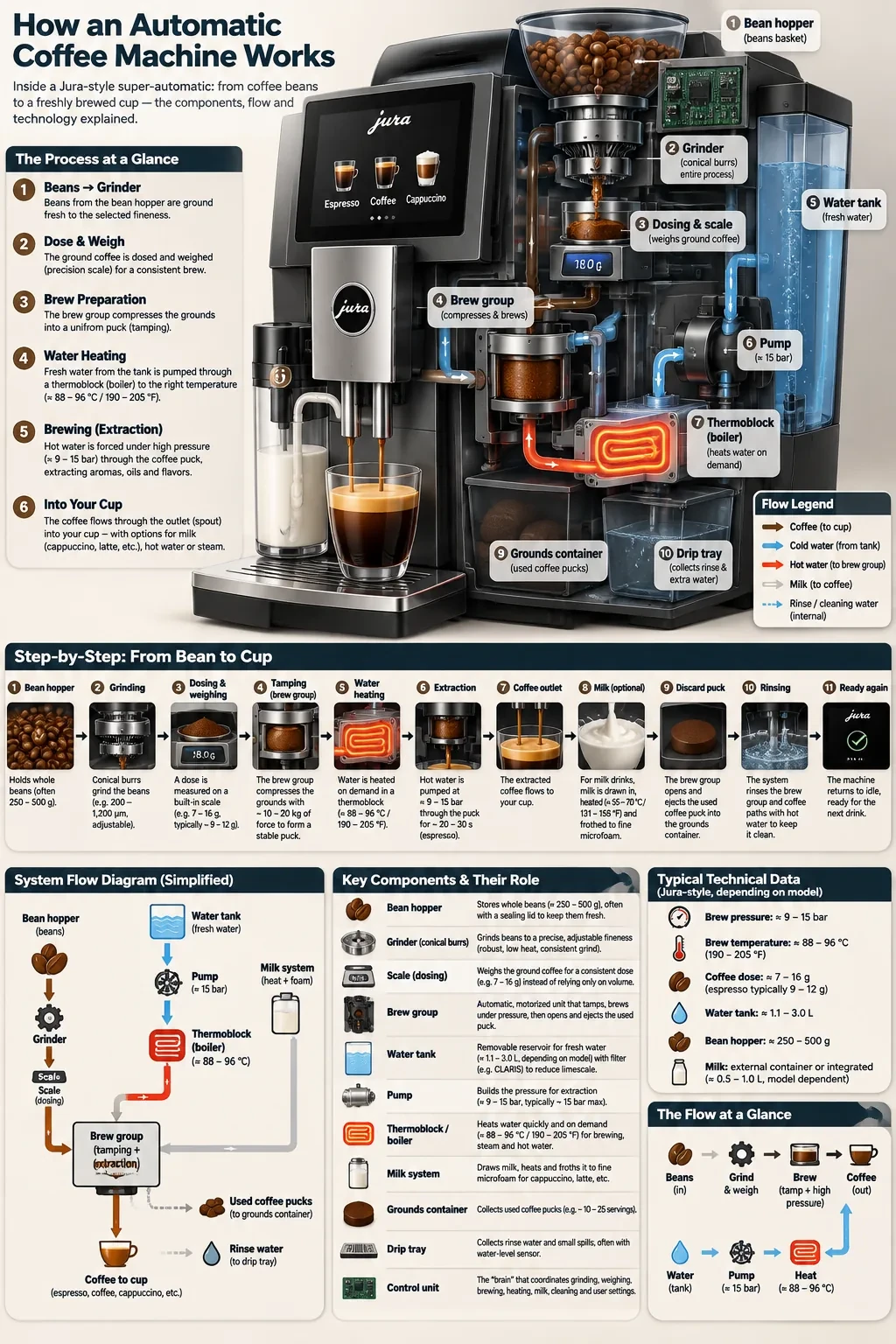
A coffee-machine diagram with labels, cutaways and ordered instructions. Try a related prompt
A clean slide titled "How our coffee is made" with three columns: "Pick", "Roast", "Brew". A simple line icon above each column, one short sentence under each, warm brown and cream palette, logo space bottom right.
Long briefs followed line by line
A prompt with ten requirements (three columns, a title above, an icon in each, a footer, a color palette) tends to come back with all ten. Other models often drop a few of them along the way.
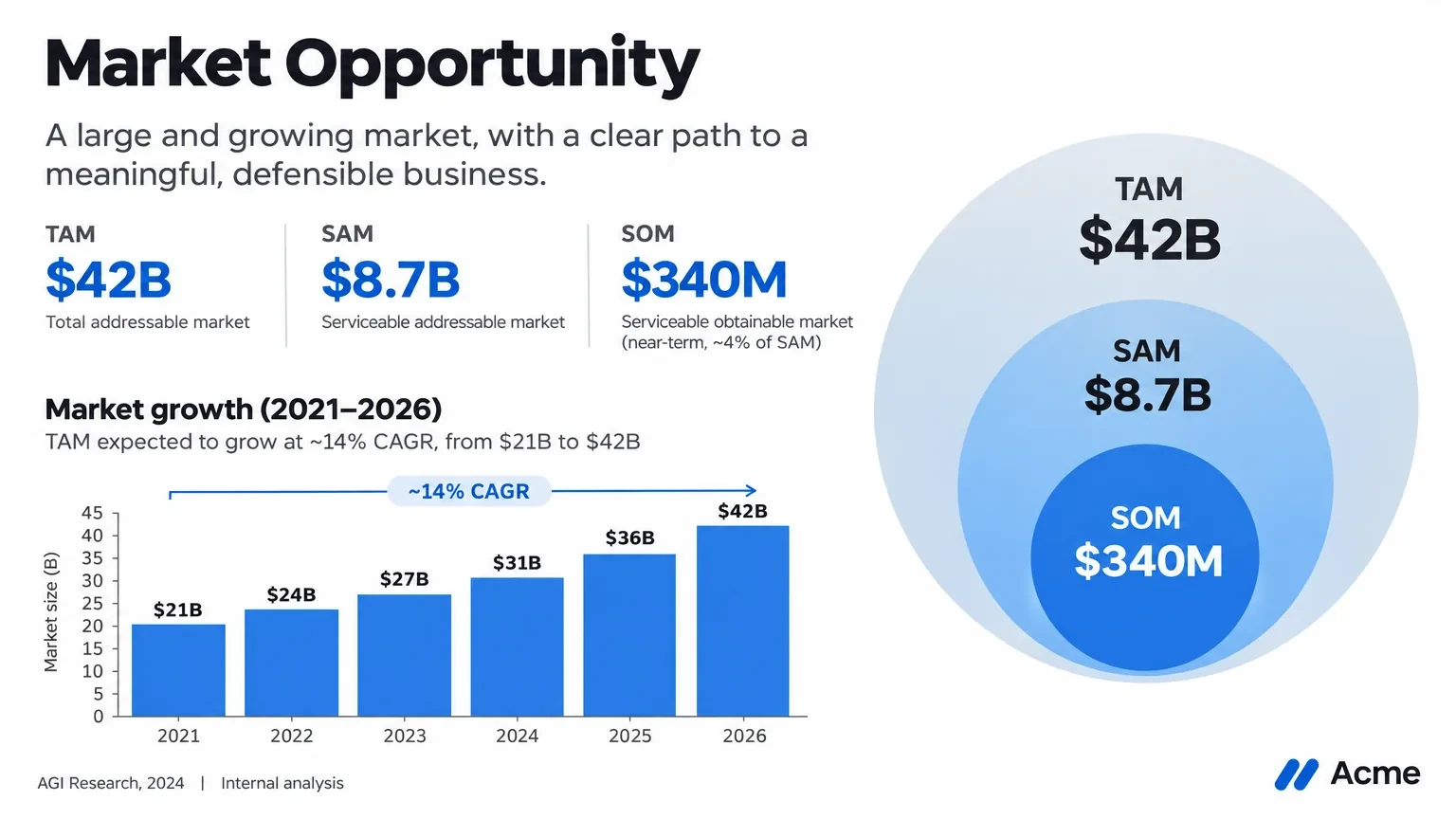
A presentation slide with a chart, hierarchy and sample market figures. Try a related prompt
An Instagram post for a bakery sale: a photo of croissants on the left half, on the right the words "Friday Sale" large, "Two for 5" below, and "Open 7 to 3" small at the bottom, cream background.
Layouts and graphic design
Social cards, packaging fronts, app screens, menus and comic pages: images with a structure rather than a single photographic scene. It is the model to reach for when you would otherwise open a design tool.
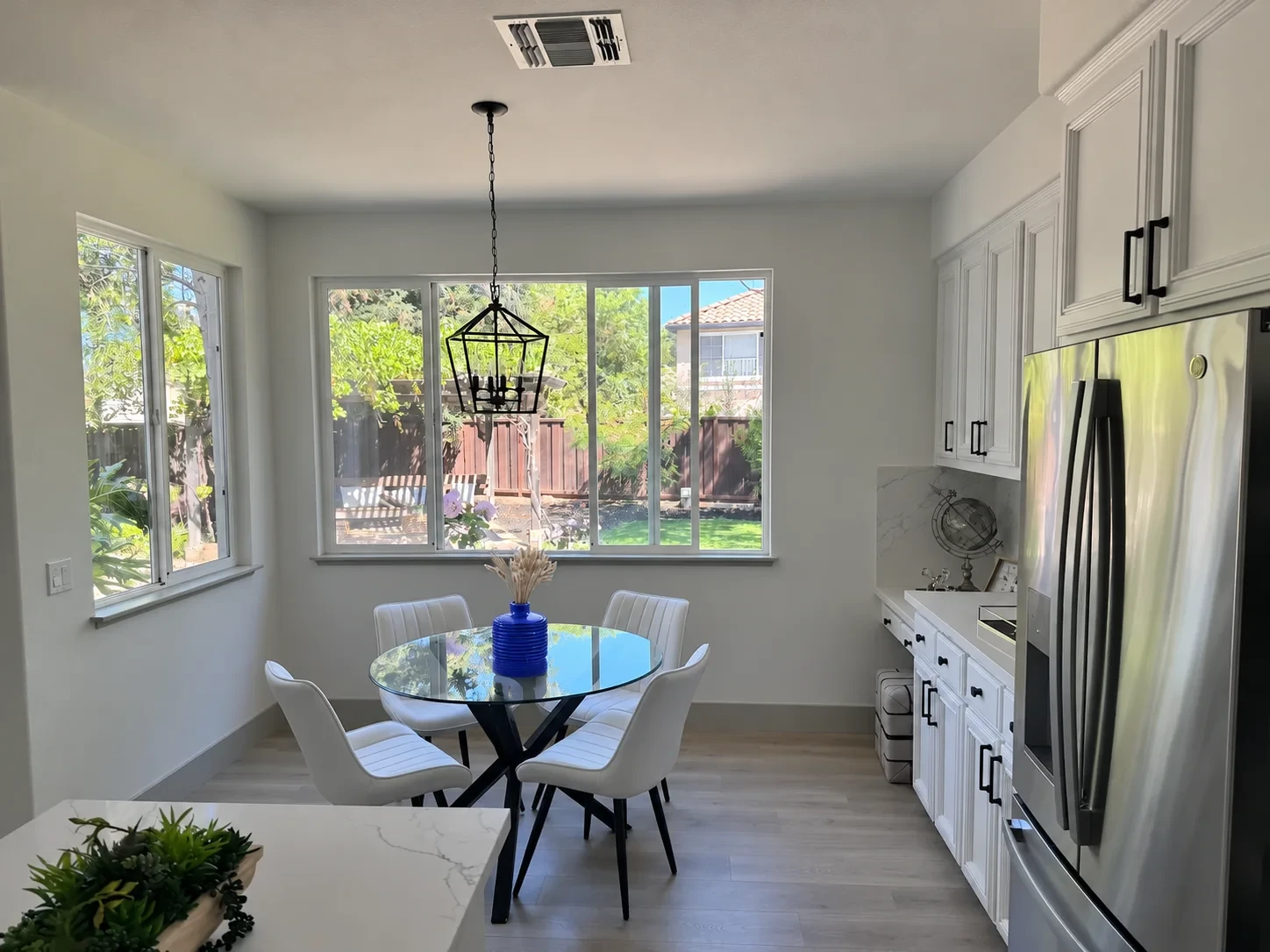
A targeted edit changes the vase to blue in a furnished kitchen. Try a related prompt
Turn this product photo of a ceramic mug into a catalog image: pure white background, soft shadow, the glaze and the handle exactly as in the photo, label text unchanged.
Sunburst for detail and precise edits
OpenAI describes Sunburst as the base model for work that needs more detail and edits that stay consistent. In our own test it stayed closest to the source photo of the four GPT variants we tried.

A bakery identity with wheat, a loaf and a readable wordmark. Try a related prompt
Six sticker designs of a cheerful cactus with sunglasses in a 2 by 3 grid, thick white outlines, flat colors, each with a different pose.
Flare for speed
OpenAI says the 2.6 models generate images 50% faster than the previous generation, and Flare is the smaller, quicker one. On Genvima both versions cost the same, so switching is free of risk. Use it for drafts and for many variations of one idea.
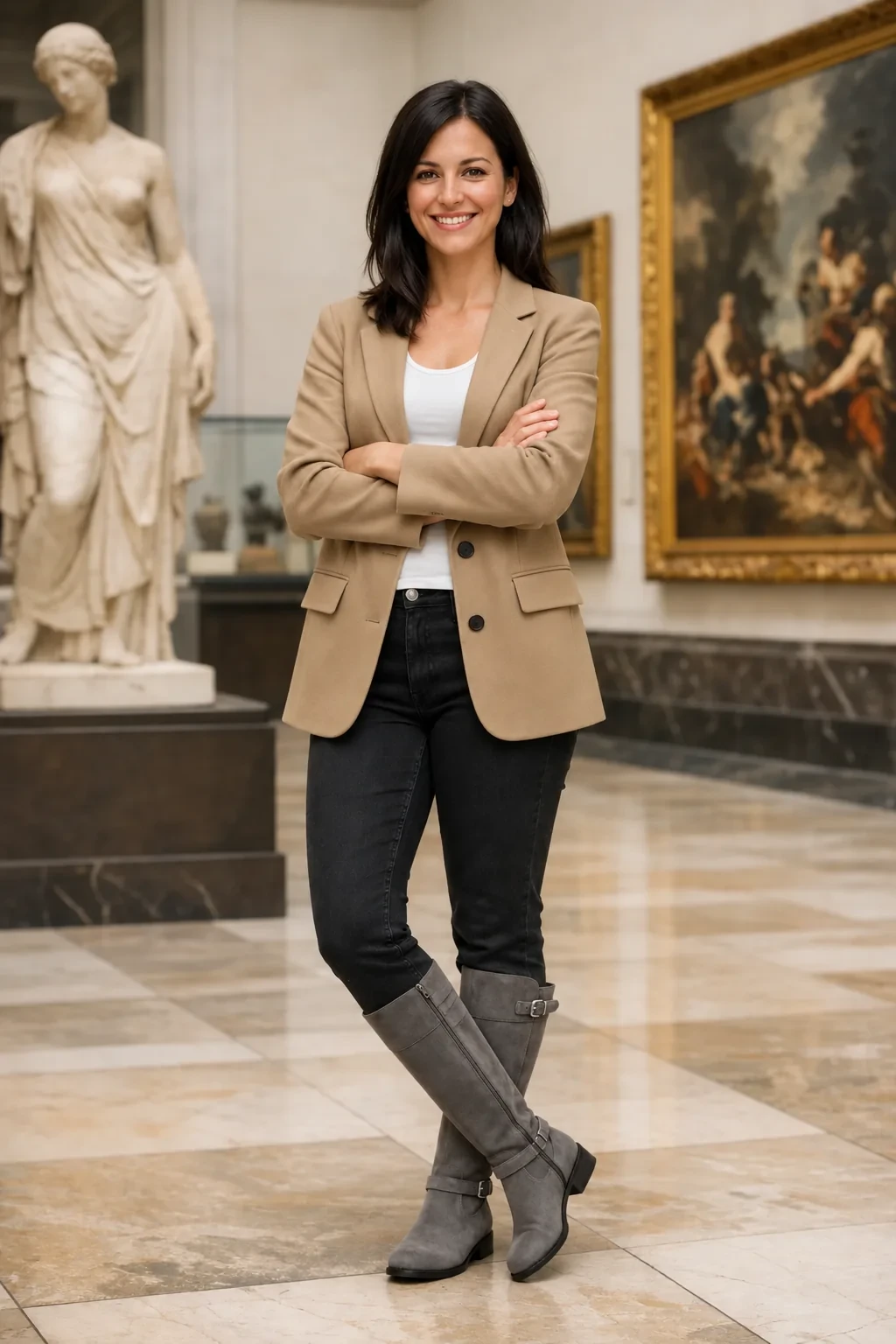
A woman wears clothing assembled from the supplied references. Try a related prompt
A product ad using the sneaker from the first image and the logo from the second image, the sneaker floating above a puddle in a neon-lit street at night, the logo small in the top left corner.
Up to 16 reference images
Attach a logo, a product photo, a style sample and a photo of the place, and describe how they come together. GPT Image 2.6 takes up to 16 reference images on Genvima.
GPT Image 2.6 specs and credits on Genvima
| Model | Made by | Sizes | Reference images | Credits per image |
|---|---|---|---|---|
| GPT Image 2.6 Sunburst | OpenAI | 1K, 2K, 4K | Up to 16 | 2 to 8 |
| GPT Image 2.6 Flare | OpenAI | 1K, 2K, 4K | Up to 16 | 2 to 8 |
| ChatGPT Images 2.5 Sunburst | OpenAI | 1K, 2K, 4K | Up to 16 | 9 to 25 |
| ChatGPT Images 2.5 Flare | OpenAI | 1K, 2K, 4K | Up to 16 | 9 to 25 |
| GPT Image 2 | OpenAI | 1K, 2K, 4K | Up to 15 | 3 to 6 |
| Nano Banana 2.1 | 1K, 2K, 4K | Up to 14 | 4 to 9 |
 GPT Image 2.6 Sunburst
 Nano Banana 2.1
What you can make with GPT Image 2.6
Six jobs it does well, each with a prompt you can paste into the box above and change.
Posters and flyers
An event name, a date, a place and a visual in one pass, ready to post or print after a proofread.
Try this promptA flyer for a neighborhood yard sale, the words "Saturday Yard Sale" in big hand-drawn letters, "May 18, 8 AM to 2 PM" and "42 Maple Street" below, cheerful illustrations of lamps, books and a bicycle.
Infographics and diagrams
Steps, labels and arrows that read correctly. Check every number before you publish.
Try this promptA simple infographic titled "How to brew pour-over coffee" with four numbered steps, a small icon for each, and the labels "Grind", "Rinse", "Bloom", "Pour", flat style, white background.
Menus and price lists
A café or restaurant menu with sections and prices, in the style of your brand.
Try this promptA one-page café menu titled "Morning Cloud" with sections "Coffee", "Tea" and "Pastries", three items with prices in each, thin line illustrations, cream paper texture.
Packaging and label mock-ups
Show a client the jar, the box or the bottle with the real product name on it.
Try this promptA glass jar of honey with a minimal kraft label reading "Wildflower Honey" and "Raw, 340 g", on a wooden table in morning light, product photo.
Ads and social cards
A product photo as a reference, a headline, a call to action and the right shape for each placement.
Try this promptA 9:16 story ad using the headphones from the image, bold headline "Silence, upgraded", small text "Shop now" at the bottom, deep blue gradient background.
Comic pages and storyboards
Several panels with the same characters and readable speech bubbles in one image.
Try this promptA four-panel comic strip: a cat stares at an empty bowl, looks at the camera, knocks a cup off the table, then sits proudly next to a full bowl. One short speech bubble per panel.
GPT Image 2.6 vs 2.5 vs GPT Image 2
Every OpenAI image model on Genvima takes the same prompts. Newer versions follow briefs more closely and handle more text; older ones stay for consistency with earlier work.
| GPT Image 2.6 Sunburst | GPT Image 2.6 Flare | ChatGPT Images 2.5 Sunburst | GPT Image 2 | |
|---|---|---|---|---|
| Best for | Detail and precise edits | Speed and many variations | Matching earlier 2.5 work | Simple images on a budget |
| Sizes | 1K, 2K and 4K | 1K, 2K and 4K | 1K, 2K and 4K | 1K, 2K and 4K |
| Aspect ratios | 10 | 10 | 15 | 15 |
| Reference images | Up to 16 | Up to 16 | Up to 16 | Up to 15 |
| Credits per image | 2 to 8 | 2 to 8 | 9 to 25 | 3 to 6 |
What we measured ourselves
On November 9, 2026 we ran the same edit on both GPT Image 2.6 variants and on the previous generation: one street photo and the instruction to remove the parked cars, at 1K.
- Time: about 47 seconds per image for 2.6, against about 58 seconds for the 2.5 models.
- Size: the 1K result came back at 1536 by 1024 pixels, larger than a nominal 1K.
- What it changes: the model redraws the whole picture. The composition and the content were right, but small things in areas we never mentioned had moved: the poses of people walking by, lettering on signs, the pattern of a brick wall.
- Sunburst or Flare: both 2.6 variants stayed closer to the source than the 2.5 pair, and Sunburst was the closest of the four.
One photo is a small test, so read it as a first impression and not as a benchmark. It does match what the model is built for: making a designed image from a brief, more than retouching a photograph.
GPT Image 2.6 prompt guide
Write it like a design brief, not a caption. The model reads the whole thing.
- Say what kind of image it is: a poster, a product photo, an infographic, a comic page.
- Describe the layout in order: title at the top, picture in the middle, three bullet points below, logo bottom right.
- Quote every piece of text exactly as it should appear, including capital letters and punctuation.
- Name the style: flat vector, 35mm photo, risograph print, watercolor.
- Say what to keep when you start from a photo: "Keep the product and its label unchanged; replace only the background."
- Fewer words in the picture are safer. A headline and two short lines come out right far more often than a paragraph.
GPT Image 2.6 vs GPT Image 2.5: what changed
GPT Image 2.5 was already strong at text and layout, so 2.6 is a refinement more than a new direction. The changes you notice in use:
- Speed. OpenAI says 50% faster; in our test a 2.6 edit took about 47 seconds against about 58 for 2.5.
- Closer to the source. In our edit test both 2.6 versions kept more of the original photo than the 2.5 pair.
- Consistency over edits. OpenAI built Sunburst to keep an image steadier when you edit it again.
- Price on Genvima. GPT Image 2.6 costs 2 to 8 credits an image; GPT Image 2.5 costs 9 to 25.
Keep the 2.5 models for finishing a set you started on them; start new work on 2.6.
How to edit a photo with GPT Image 2.6
GPT Image 2.6 edits by making a new picture from your photo and your instruction. That makes it very good at big changes (a new style, a new setting, a poster built around a product) and less suited to touch-ups where every other pixel must stay.
- Choose Image to Image and add the photo.
- Write the result you want, then what must not change: "Turn this into a summer sale poster. Keep the dress and its pattern exactly as in the photo."
- Add any text in quotes, and say where it goes.
- Generate on Sunburst for the closest match to the photo.
For a small change on a real face or product, such as removing one object, use Nano Banana 2.1 in the same menu.
Using reference images
GPT Image 2.6 takes up to 16 images in one request. Use them for the parts of the design you cannot describe in words: your logo, your product, a typeface sample, a mood board. Number them in the prompt ("the logo from the first image, the bottle from the second image") and say what to take from each: the shape, the colors, the style or the whole object.
A short list of references with a clear role each works better than many images with no instructions. If a logo comes out redrawn, add it at a larger size in the reference, say "use the logo exactly as in the first image", and keep it small in the layout, where small differences are less visible. For packaging, give the flat label artwork as one reference and the empty bottle or box as another.
GPT Image 2.6 in ChatGPT or on Genvima
In ChatGPT you make images inside a conversation. On Genvima you use the same OpenAI model in a studio: you choose Sunburst or Flare, the size and the shape directly, keep everything in one library, and switch to Nano Banana, Seedream or any of the 15 image models with the same prompt. You pay per image in credits, with no ChatGPT subscription needed.
Sunburst or Flare?
Start on Sunburst for anything you will publish: it keeps more detail and stays closer to a source photo. Use Flare while you are still finding the idea, or when you want several takes quickly: a grid of sticker options, ten headline treatments, a quick look at a layout before you commit to it. A good routine is to explore on Flare, pick the strongest direction, then make the final version on Sunburst with the same prompt. The price is the same, so the only cost of switching is a second of thought.
What OpenAI announced
OpenAI released GPT Image 2.6 on November 4, 2026, in ChatGPT, in Codex and in its API, as two models: Sunburst, the base model for detailed work and precise edits, and Flare, the smaller and faster one. OpenAI says the 2.6 models generate images 50% faster than before, that Flare can return an image in as little as six seconds at its lowest quality setting, and that Sunburst keeps images more consistent across edits at medium and high quality.
The release also added a complexity setting, SVG and animated GIF output, and editing guided by marks drawn on the image. Genvima offers still images from both models; for an SVG or a GIF, convert the result in your design tool.
GPT Image 2.6 vs Nano Banana and Seedream
Use GPT Image 2.6 for designs with a lot of text and structure, and when redrawing the picture is fine: a new poster, a restyle, a layout built around your product. Use Nano Banana 2.1, the default model, when a real face or product has to stay exactly as it is; it changes the part you name and leaves the rest of the pixels alone. Use Seedream 5.5 for long edit sessions and realistic photos.
At 1K the prices are close: 2 credits for GPT Image 2.6 and 4 for Nano Banana 2.1. Many projects use both: Nano Banana for the photo, GPT Image 2.6 for the poster built around it. The AI image generator page lists all 15 image models.
Common mistakes with GPT Image 2.6
- Text without quotes. If the words are not in quotation marks, the model may paraphrase them.
- Too many words in the image. Every extra line is another chance for a typo. Move long copy to the caption.
- A layout described out of order. Go from top to bottom, or left to right, so the model can follow.
- Expecting a pixel-perfect retouch. The model redraws; use Nano Banana 2.1 for small fixes on real photos.
- Drafting at the largest size. Find the design at 1K, then render the final one bigger.
- Vague style words. "Modern" means little; "flat vector, two colors, thick outlines" means a lot.
Limits worth knowing
- It redraws. Small things outside your instruction can move. For edits that must not touch the rest of the photo, use Nano Banana 2.1.
- Tiny text and long paragraphs can still contain errors. Zoom in before anything goes to print.
- Refusals. The model declines some requests, such as real public figures and copyrighted characters. A refused image is not charged.
- Big files take longer. 4K is the slowest size; draft at 1K.
Genvima is an independent service and is not affiliated with OpenAI; we reach the model through a commercial API provider.
FAQ
What is GPT Image 2.6?
GPT Image 2.6 is OpenAI’s image generation and editing model, released on November 4, 2026 as the successor to GPT Image 2.5. It comes in two versions, Sunburst and Flare, and is known for accurate text and for following detailed instructions.
How can I use GPT Image 2.6 online?
Choose GPT Image 2.6 Sunburst or Flare in the model menu at the top of this page, write a prompt or add a photo, and press Generate. You sign in with Google and pay in credits; no API key or ChatGPT subscription is needed.
Is GPT Image 2.6 free?
No. GPT Image 2.6 is paid with credits: you sign in with Google, buy a plan or a credit pack, and every image shows its price on the Generate button before you spend anything. To try an idea first, the free Basic engine in the same menu gives you one free video and three free images a day, with no credit card.
What is the difference between Sunburst and Flare?
Sunburst is OpenAI’s base model for detail and precise edits; Flare is the smaller, faster one. They cost the same on Genvima.
Is GPT Image 2.6 better than GPT Image 2.5?
It is faster (OpenAI says 50% faster), follows long briefs at least as closely, and in our own edit test both 2.6 versions stayed closer to the source photo than the 2.5 pair. The 2.5 models remain in the menu if you need to match earlier work.
What sizes can GPT Image 2.6 make?
1K, 2K and 4K on Genvima, in 10 aspect ratios from 9:16 to 21:9.
How many reference images can I add?
Up to 16.
Does GPT Image 2.6 add a watermark?
No. Images made on Genvima download without a watermark.
Can GPT Image 2.6 make SVG or GIF files here?
OpenAI added SVG and animated GIF output to its own API. Genvima makes still images; convert the result in your design tool if you need another format.
How much does GPT Image 2.6 cost?
2 credits at 1K, 6 credits at 2K, 8 credits at 4K, for Sunburst and Flare alike. The cheapest image model on Genvima is GPT Image 2.6 Sunburst at 2 credits.
Is GPT Image 2.6 free?
No. It runs on credits from a plan or a pack after Google sign-in, and the button shows what an image costs at the size you picked before you generate.
What if GPT Image 2.6 refuses a prompt?
OpenAI’s filters turn down some requests. A refused or failed image costs nothing: its credits return to your balance.
Keep exploring
- Seedream 5.5ByteDance’s newest image model: realistic light, legible small text, and edits that hold up over many rounds.Open
- AI Image GeneratorText to image and image to image on 15 image models.Open
- AI Product Photo GeneratorOne phone photo of your product, six studio and lifestyle shots of it.Open
- AI Headshot GeneratorA casual selfie turned into a chest-up studio portrait, your own face kept.Open
- AI Video MakerEvery way to make a video and all 13 video models.Open
- PricingPlans and credit packs. One balance pays for every video and image model.Open
Try GPT Image 2.6 now
Write the idea, pick the model, and see the price before you generate.
Back to the prompt box